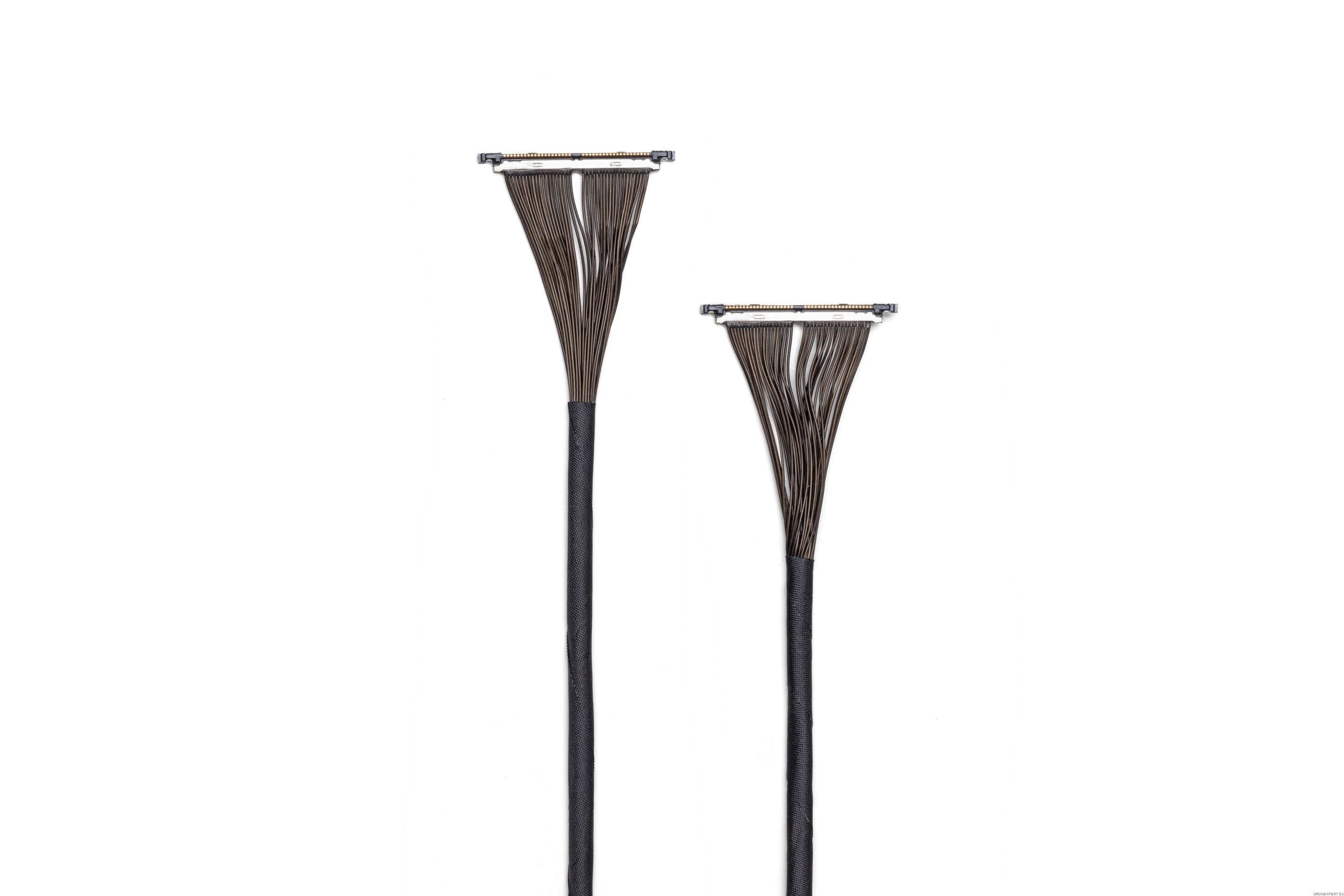
What is the Round Ribbon Cable Connector Kit
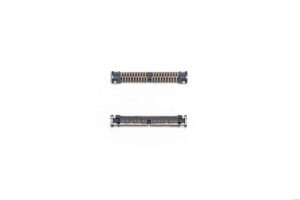
The kit is a set of cables and connectors made by DJI for use with their SkyPort V2 payload interface.
It provides “Round Ribbon Cables + connectors” — typically 10 cables and 10 connectors per kit — for wiring custom or third‑party payloads to a SkyPort V2 adapter board.
In short: this kit enables the physical data/power connection between a drone’s SkyPort V2 adaptor and whatever payload (camera, sensor, custom equipment) a developer wants to attach.
When and Why You Use It
You’d use this kit when:
You are developing or integrating a custom payload (not an official DJI payload) onto a compatible drone — e.g. a sensor, camera, LiDAR, or other instrument.
You need to connect your payload to the drone power, data and control systems via SkyPort V2 — ensuring the payload can communicate with the drone’s flight controller, receive power, send telemetry, etc.
You want a standardized, DJI‑approved wiring solution (instead of building your own cable harness) — helps reduce risk of malfunction, simplifies integration, and ensures compatibility.
Because SkyPort V2 supports both “flat” and “round ribbon / coaxial” cable connectors depending on payload design, this kit is essential if your payload requires the “round ribbon” style wiring.





Reviews
There are no reviews yet.